Floating, Stacking · Window Manager
jbwm
FEATURES of JBWM Virtual desktops with Super-{1-0} (Can be changed in config.h) and Super-Left and Super-Right. You can access 256 desktops by using Super-Left/Right. Move windows to a desktop with Shift-Super-{[1-0]|Left|Right}. Keyboard oriented control, using the Super, Control and Shift keys for operations including horizontal maximization, vertical…
Developed by
Jef Bedard
Jef Bedard
Status
Type
Server
Written in
Overview
About jbwm
FEATURES of JBWM
- Virtual desktops with Super-{1-0} (Can be changed in config.h) and Super-Left and Super-Right. You can access 256 desktops by using Super-Left/Right. Move windows to a desktop with Shift-Super-{[1-0]|Left|Right}.
- Keyboard oriented control, using the Super, Control and Shift keys for operations including horizontal maximization, vertical maximization, full maximization, full screen mode, shading, window closing, terminal spawning, desktop switching, window moving, window resize, window manager exit, window raising, window lowering, and window sticking to all desktops.
- Tiny binary size (~35k on x86-64 with -Os)
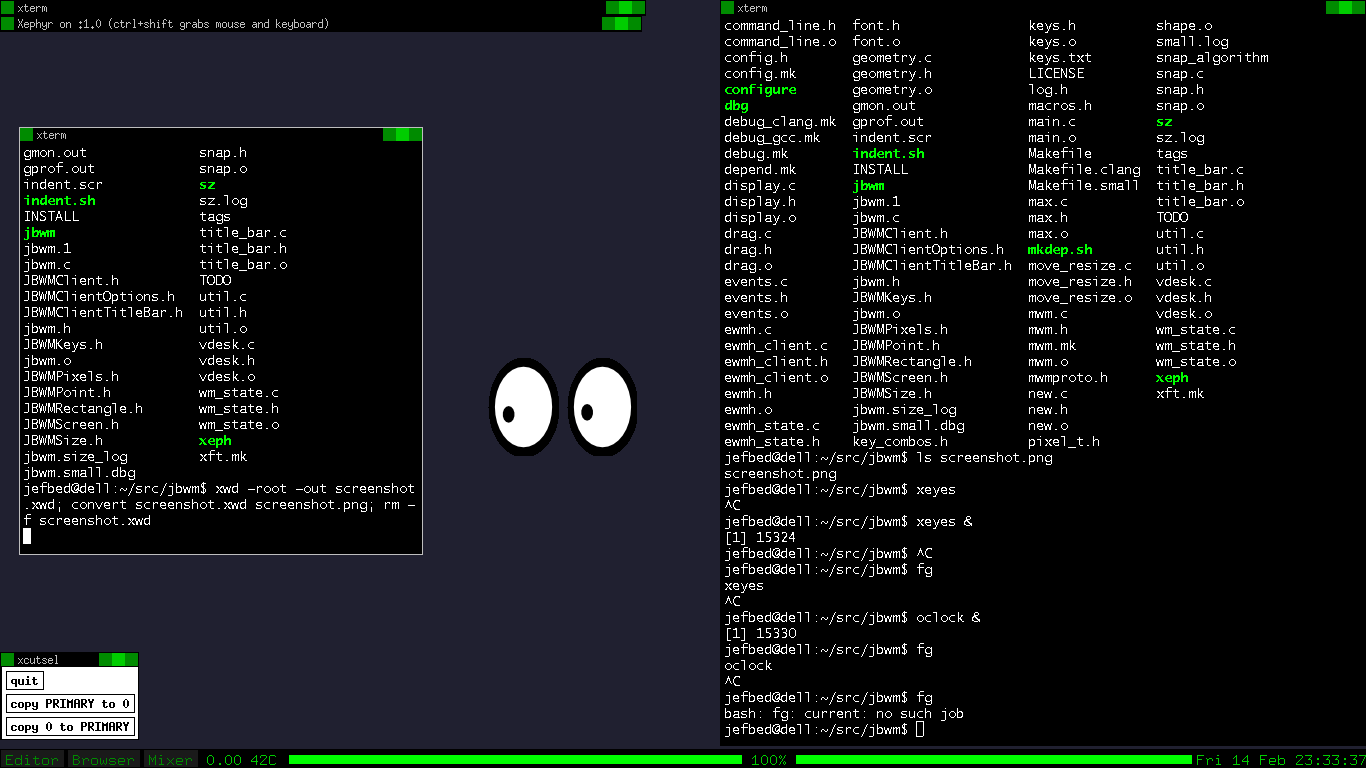
- Title bar support
- Xft support if wanted
- EWMH support
- Window shading with title bar
- Code cleanups, simple UI and key bindings
- Use of C99 features where appropriate.
01
Notable features
An evilwm-derived manager optimized for a tiny binary while optionally supplying title bars,Xft text,and more approachable key bindings.
Gallery
Screenshots