FVWM-Crystal
Aims to create an easy to use, eye-candy but also powerful desktop environment for Linux or other Unix-like operating systems.
FVWM-Crystal contributors
Overview
About FVWM-Crystal
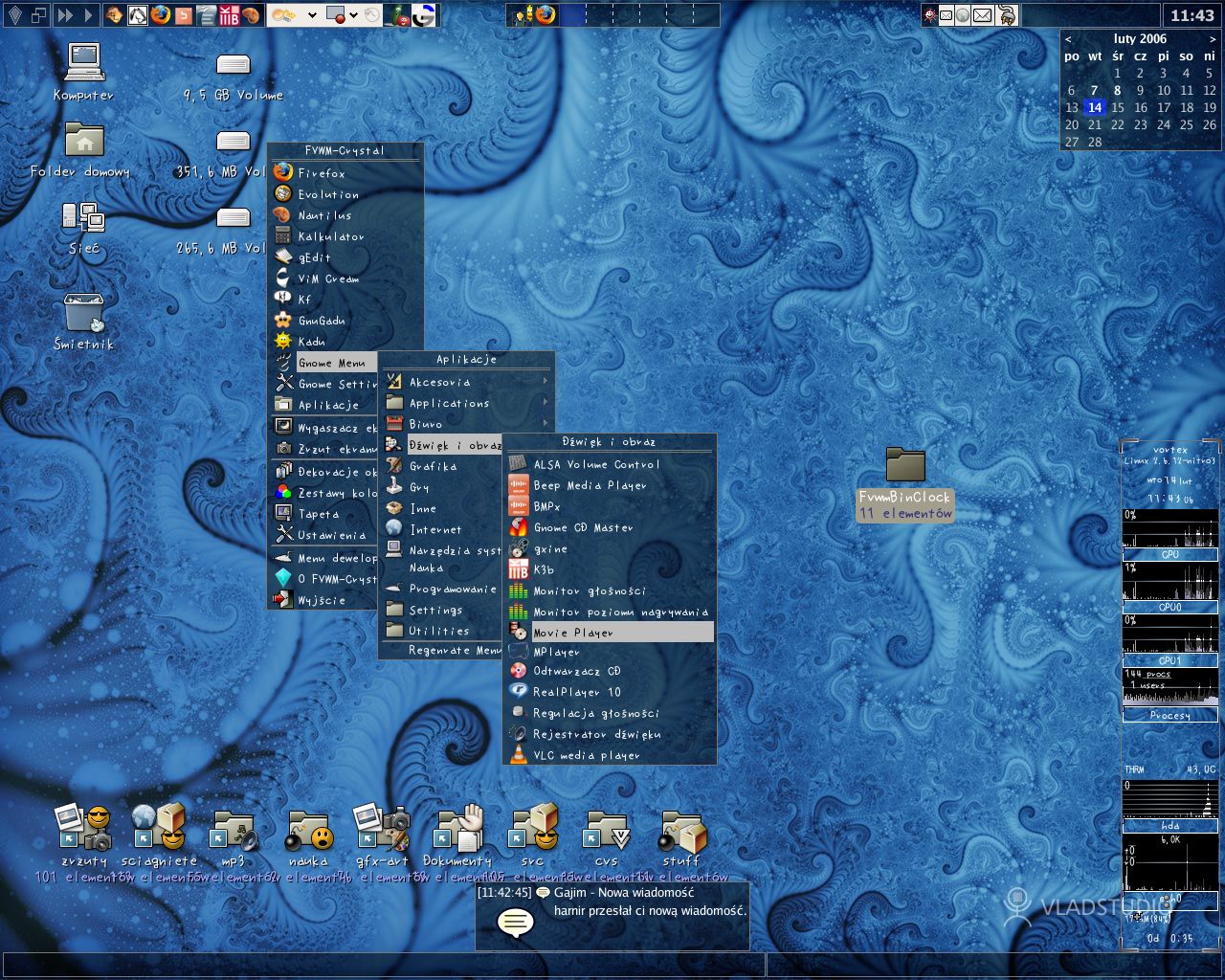
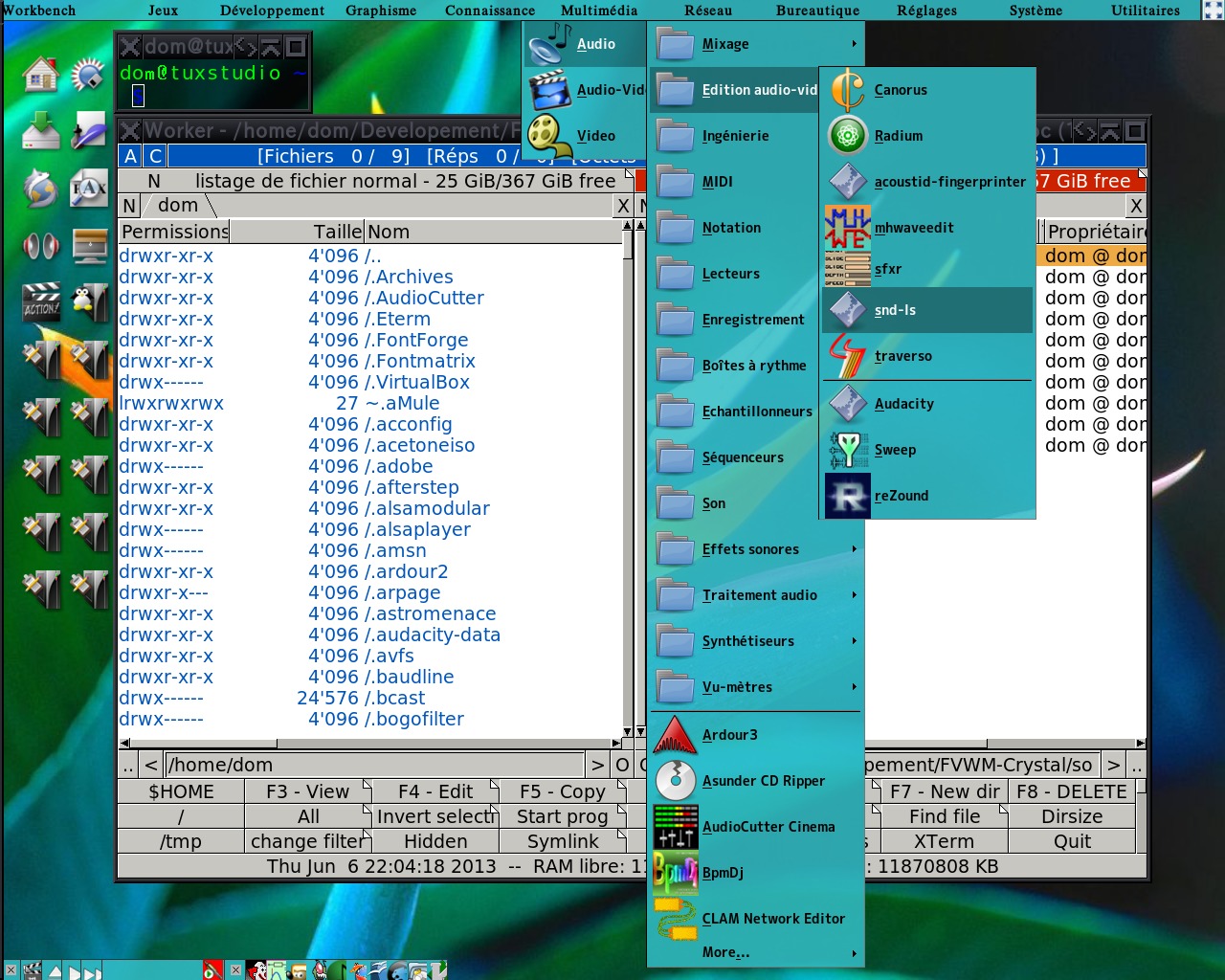
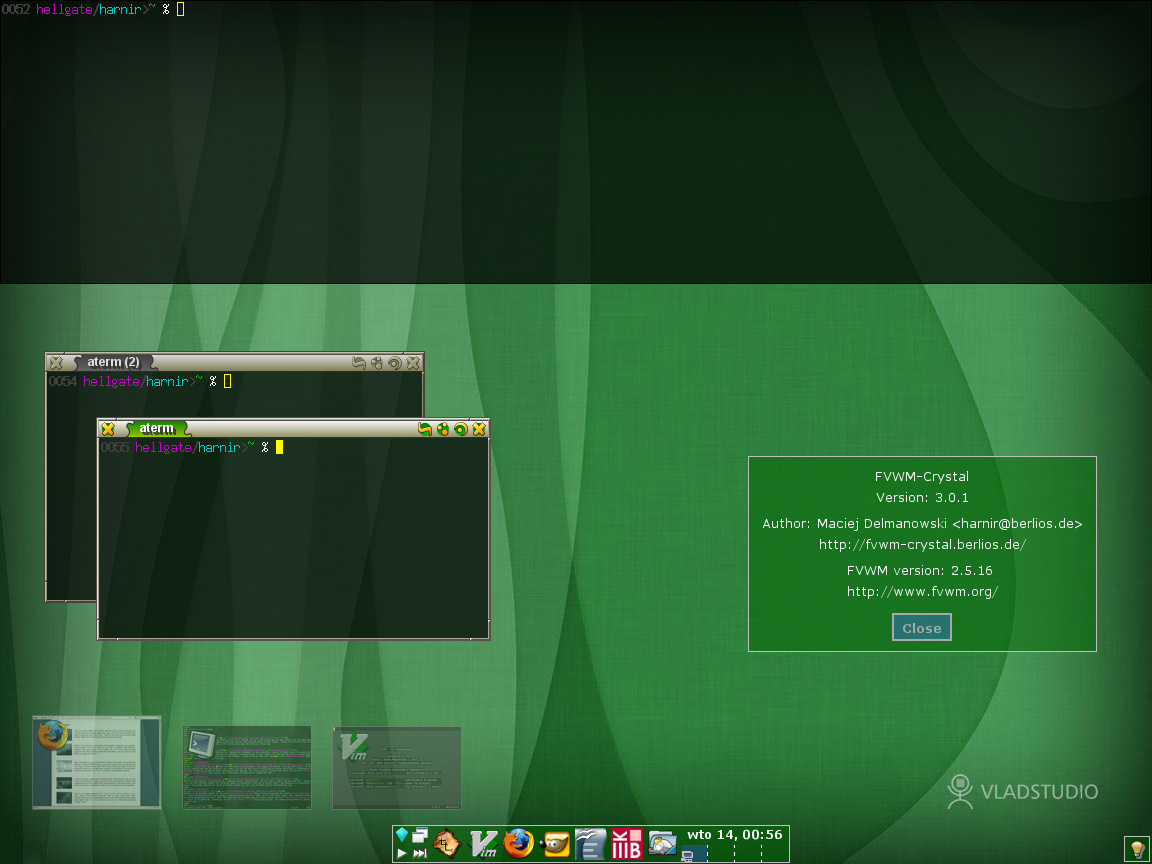
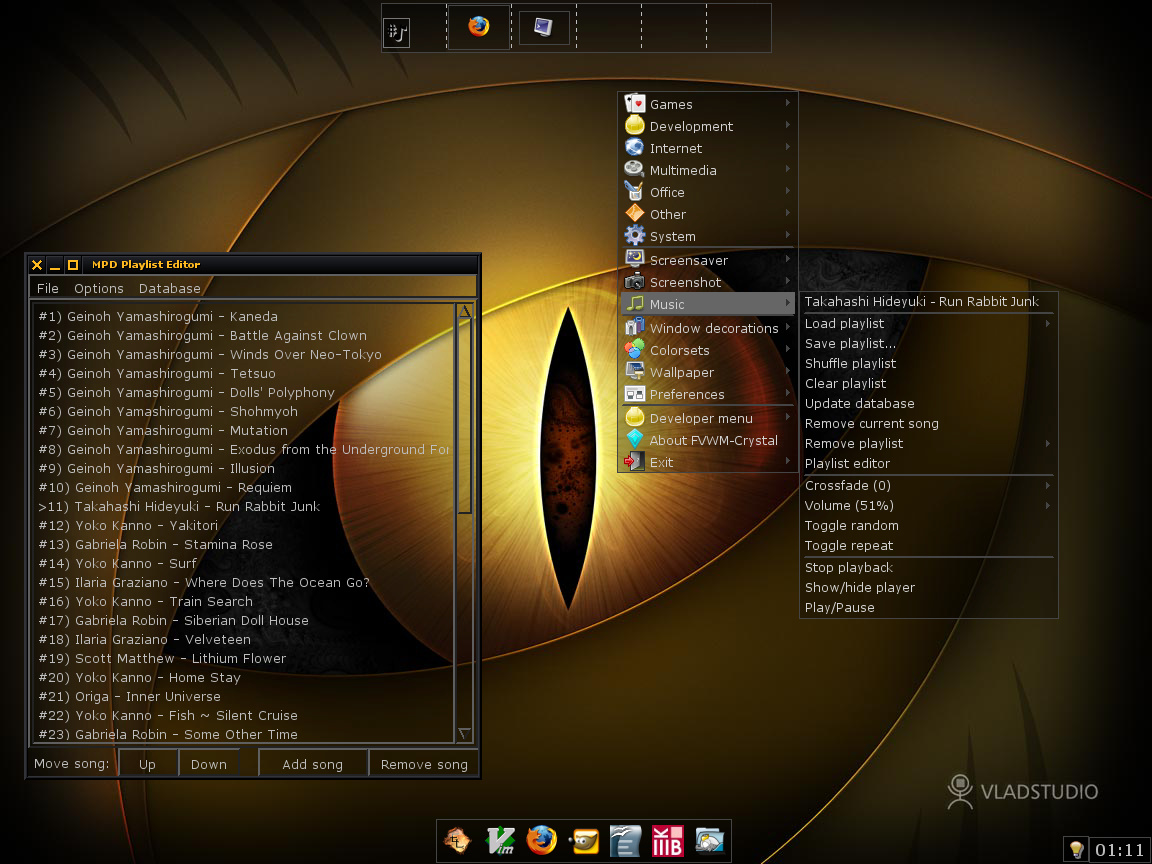
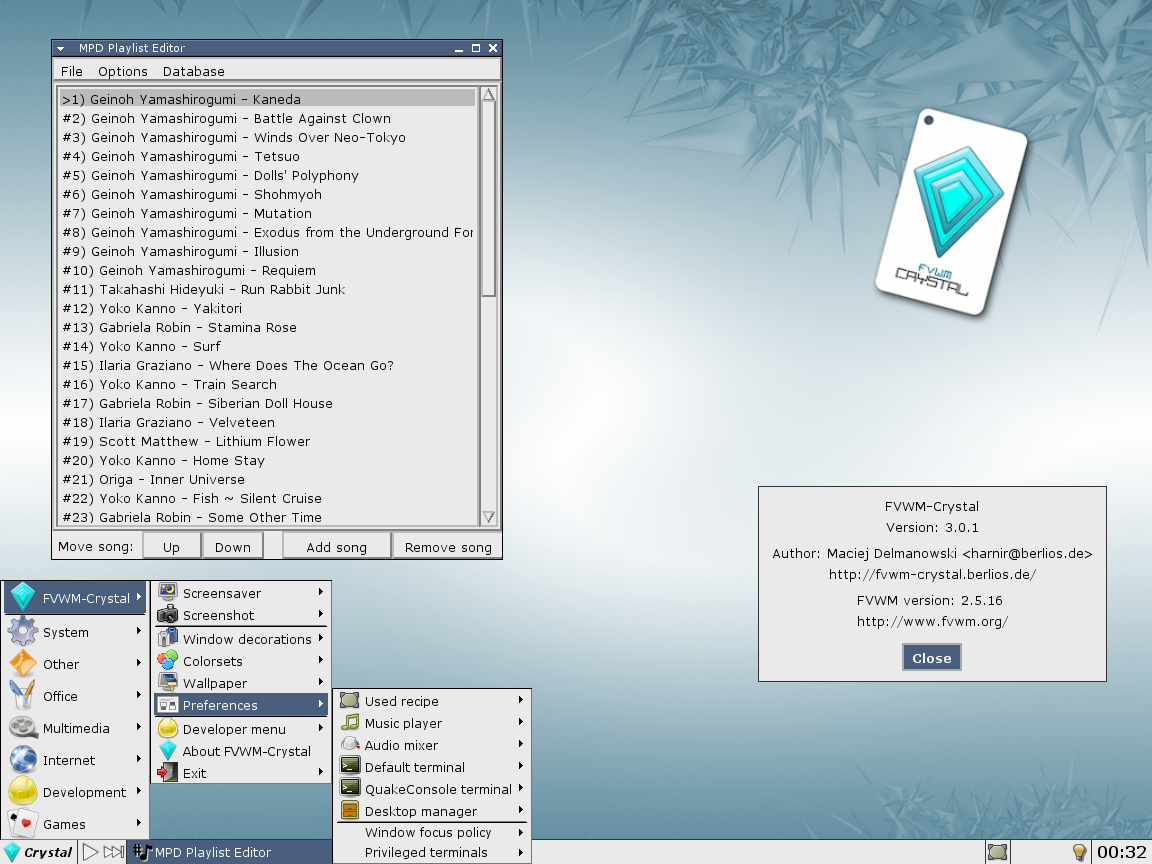
FVWM-Crystal aims to create an easy to use, eye-candy but also powerful desktop environment for Linux or other Unix-like operating systems. It uses following programs: FVWM as a window manager and "main core", different ways to provide icons on the desktop including support for many file managers and custom commands, xterm, aterm, mrxvt or urxvt as terminal emulators, MPD or XMMS2 as music players (there's built-in support for controlling these programs), and several other tools for different functions, like setting a wallpaper or making screen shots.
Features
- transparent elements of the interface: panels, menus, dialogs (pseudo-transparency, doesn't show windows underneath)
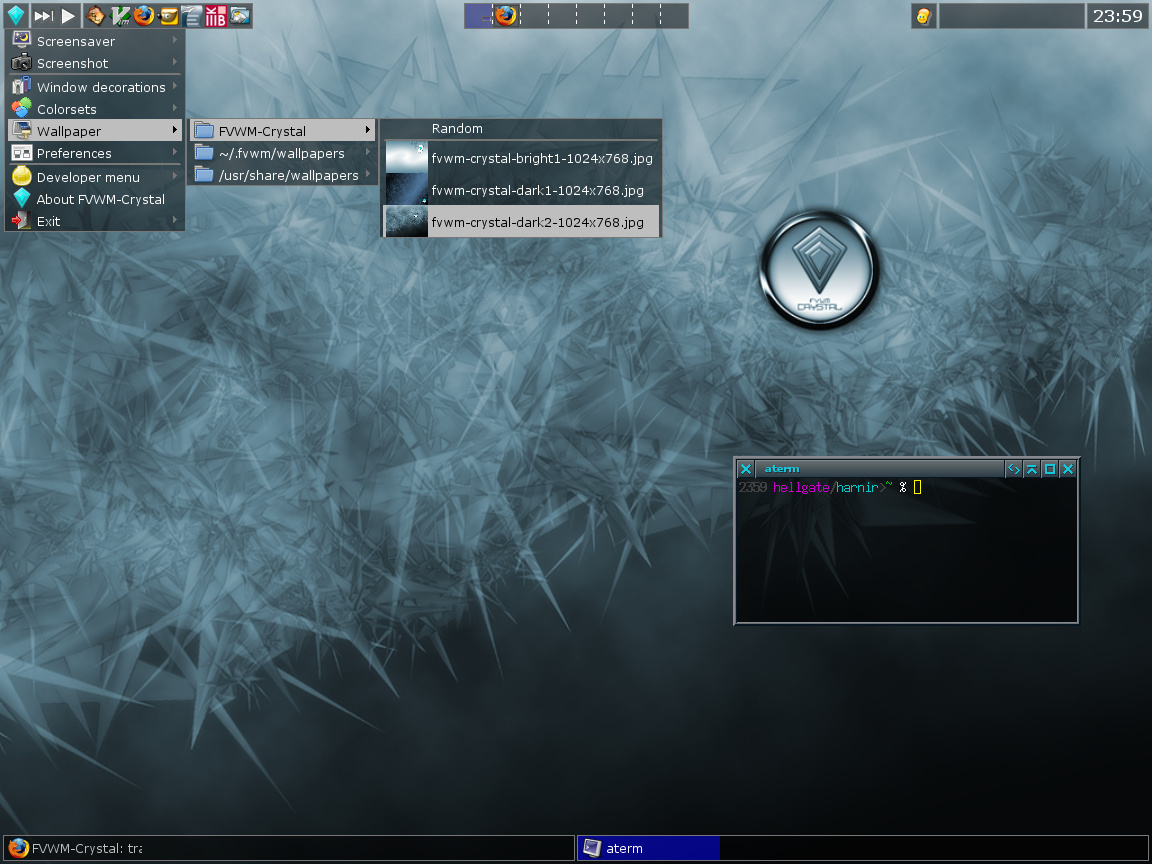
- window decorations, panel/menu colorsets and desktop wallpaper changeable from the main menu; choice saved for next X sessions
- flexible window decorations: can have different titlebar buttons layout, pixmaps, button functions
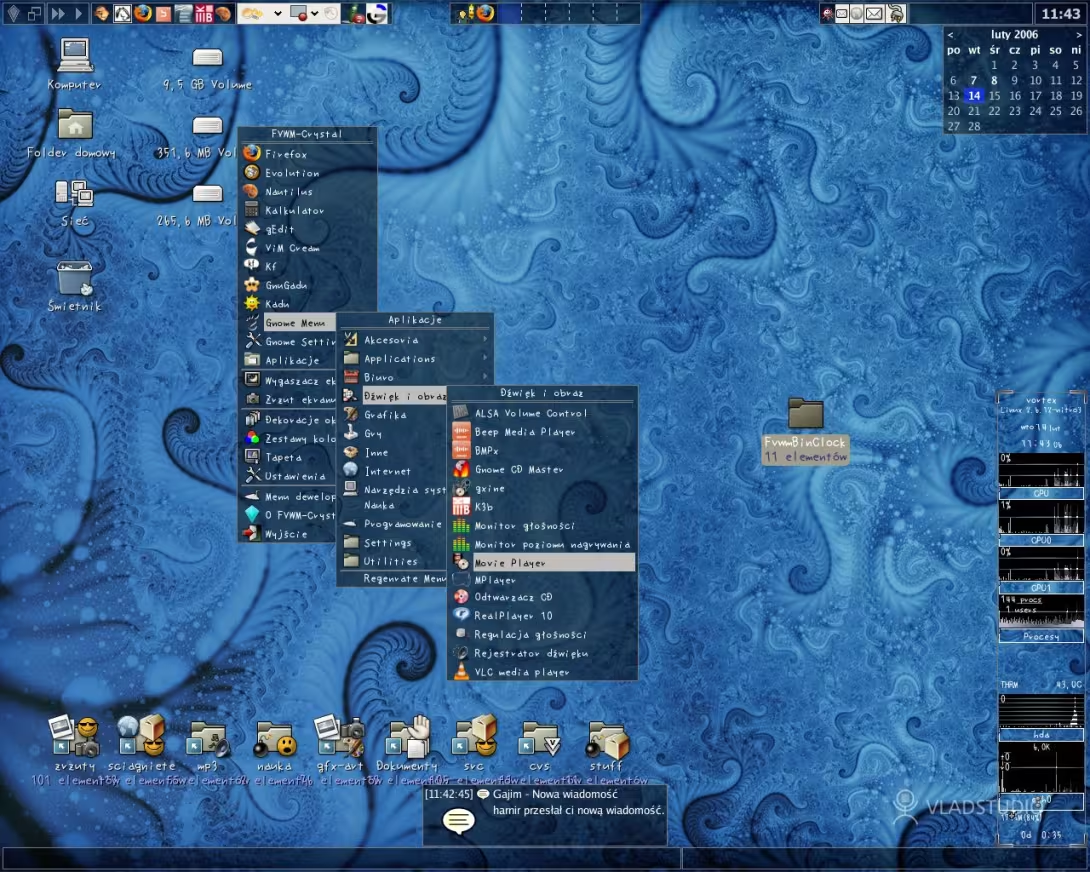
- different "desktop layouts" (panel placement and functions, desktop functions, window icons/thumbnails), changeable from the menu
- desktop manager using dual png icons from Ken's icons, with its own preferences sytem, which support any file browser you can think about, custom commands and partitions mounting/unmounting inclusive cloud partitions via webdav
- advanced keyboard support: keybindings for controlling the desktop switching, window management (moving, resizing, focusing, basic operations like minimalization or closing) - nearly 100 different keybindings
- support for controlling music players, using the keyboard or panel buttons and menus; currently MPD, XMMS, XMMS2, Quod Libet, AlsaPlayer, mplayer, audacious, cmus, mocp and cdcd are supported
- advanced support of the terminal windows: special "QuakeConsole" terminal accessible by an Alt+` (grave) keystroke similar to the console found in FPP games; terminals can be opened using RMB on the desktop; terminal windows don't release focus for newly opened windows (by default)
- a Python script for generating different panels and menus with installed applications - automatically finds programs in
$PATHand creates specified menus and panels - support for nearly 400 different applications - icons, menu/panel database entries, window styles
- support for FreeDesktop menu system - generation of FVWM-Crystal application menu from the desktop and icon files provided by the applications with automatic support for the additional categories
- different language support using gettext
- almost any application can be put in full screen, and the user can flow through the full screened applications and the desktop - this is another way, invented by the Amiga OS, to flow through the desktop space
Notable features
all FVWM configuration divided into small files in a simple directory structure
Gallery
Screenshots