Floating, Tiling · Desktop / Window Manager / Compositor
Enlightenment
Enlightenment is classed as a “desktop shell” as it provides everything you need to operate your desktop or laptop, but it is not a full application suite. This covers functionality including launching applications, managing their windows and performing system tasks like suspending, rebooting, managing files and so on. The Enlightenment Project is moving…
Enlightenment Project, founded by Carsten Haitzler
Overview
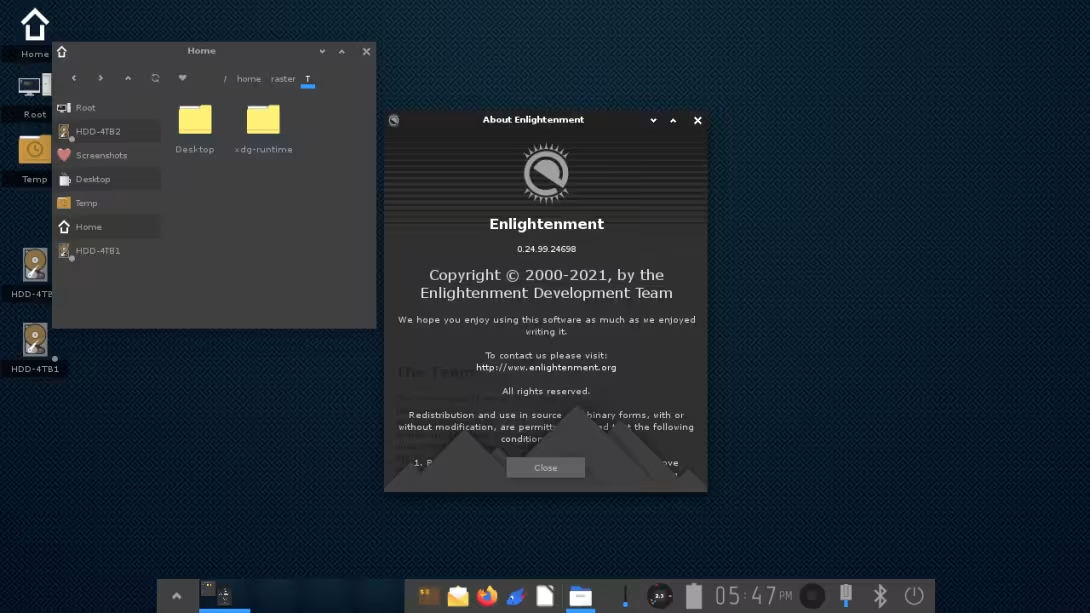
About Enlightenment
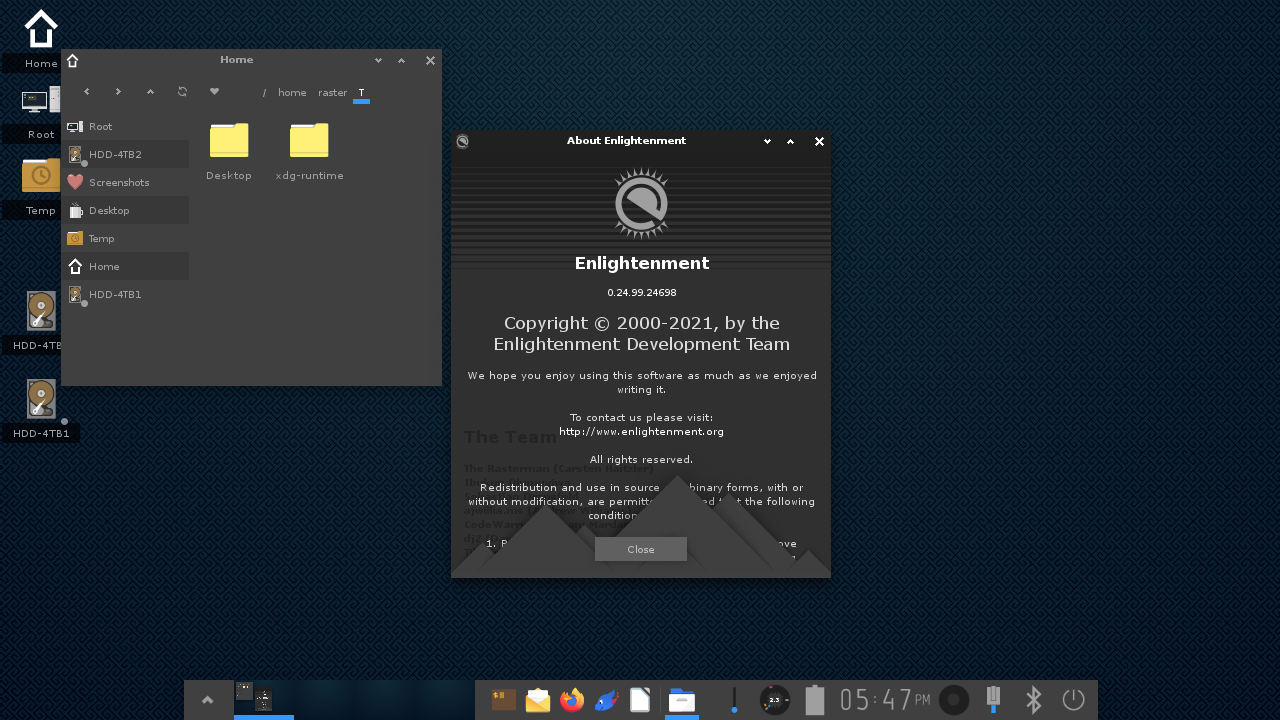
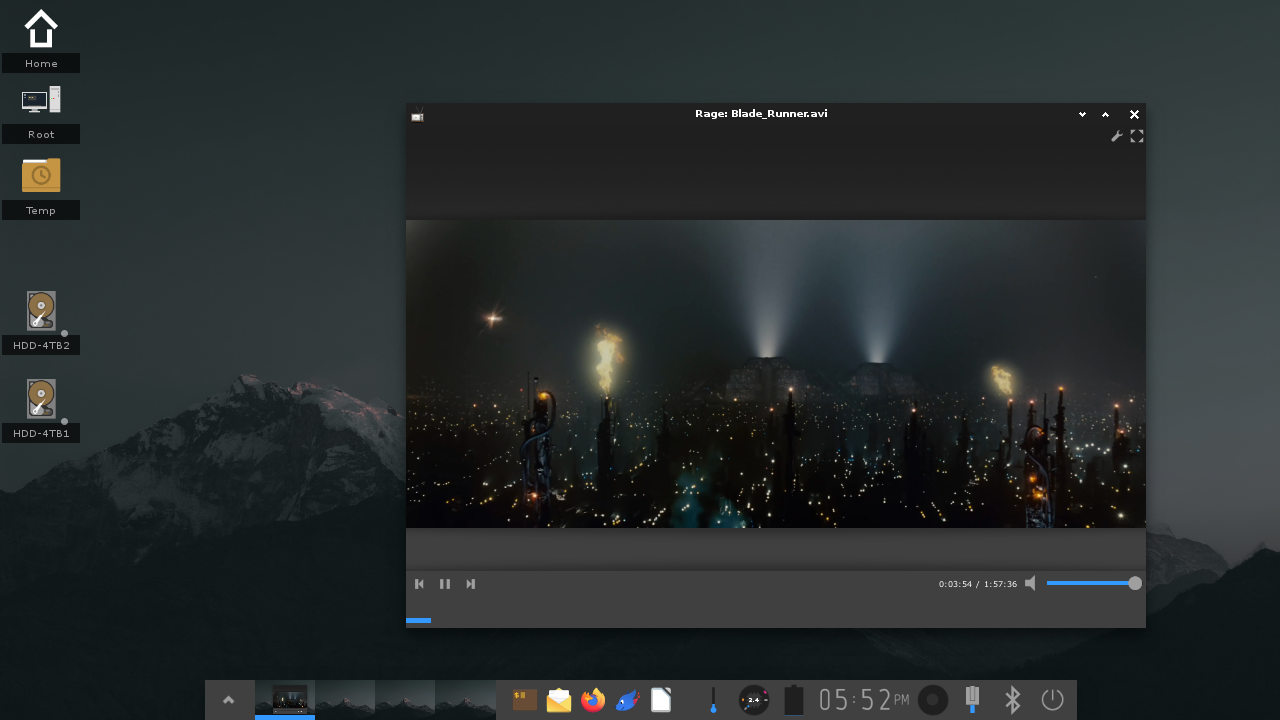
Enlightenment is classed as a “desktop shell” as it provides everything you need to operate your desktop or laptop, but it is not a full application suite. This covers functionality including launching applications, managing their windows and performing system tasks like suspending, rebooting, managing files and so on.
The Enlightenment Project is moving towards using Wayland as the base display system, while Enlightenment itself is to become a full Wayland compositor in its own right. This takes time, and there have been some bumps along the road, but the goal is that support for X11 will be eventually be discontinued (perhaps many years down the road).
Enlightenment is built on top of the Enlightenment Foundation Libraries (EFL), using the libraries written for the user interface as well as those for the Compositor itself. This means that any improvements made to EFL are included in the Enlightenment Compositor.
Enlightenment also serves the Window Manager and Compositor for Tizen, due in no small part to its efficiency and breadth of features.
A Brief History of Enlightenment
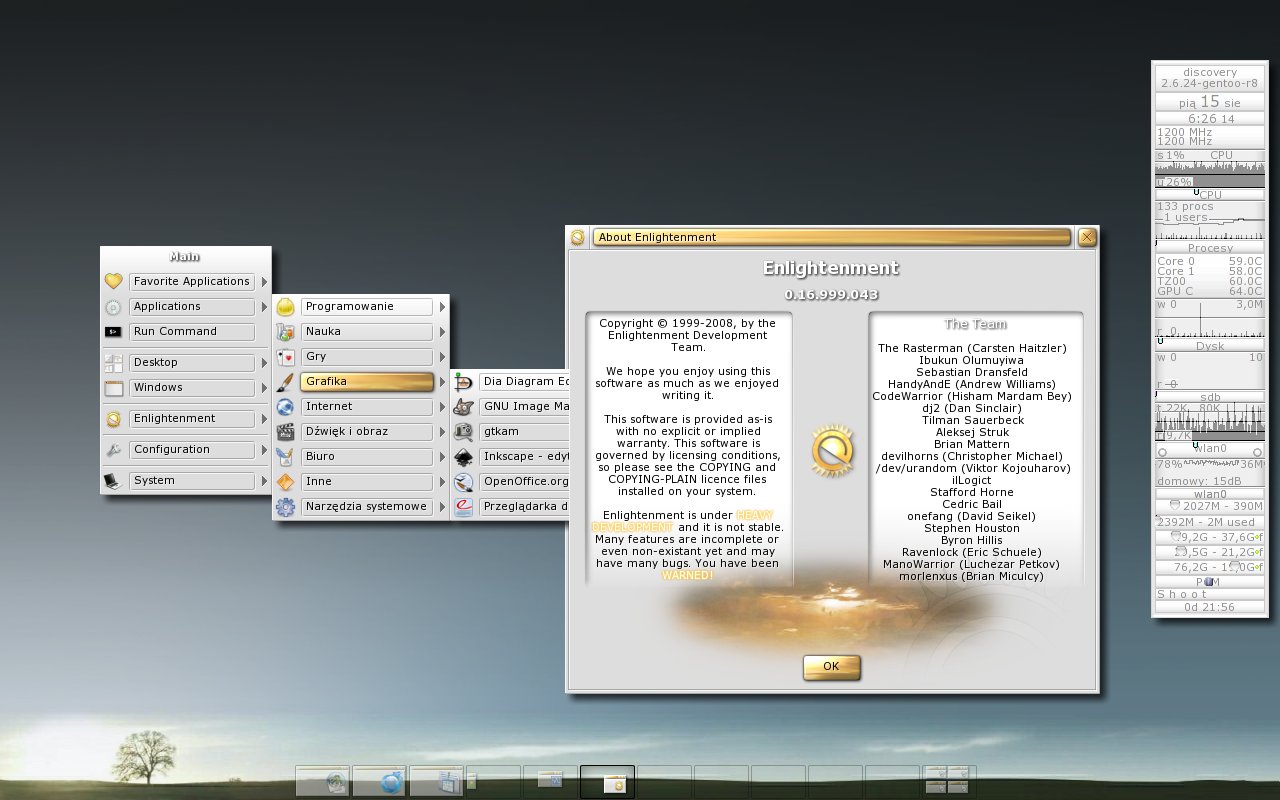
Enlightenment predates larger desktop environments such as GNOME, although it was originally designed as a flexible window manager.
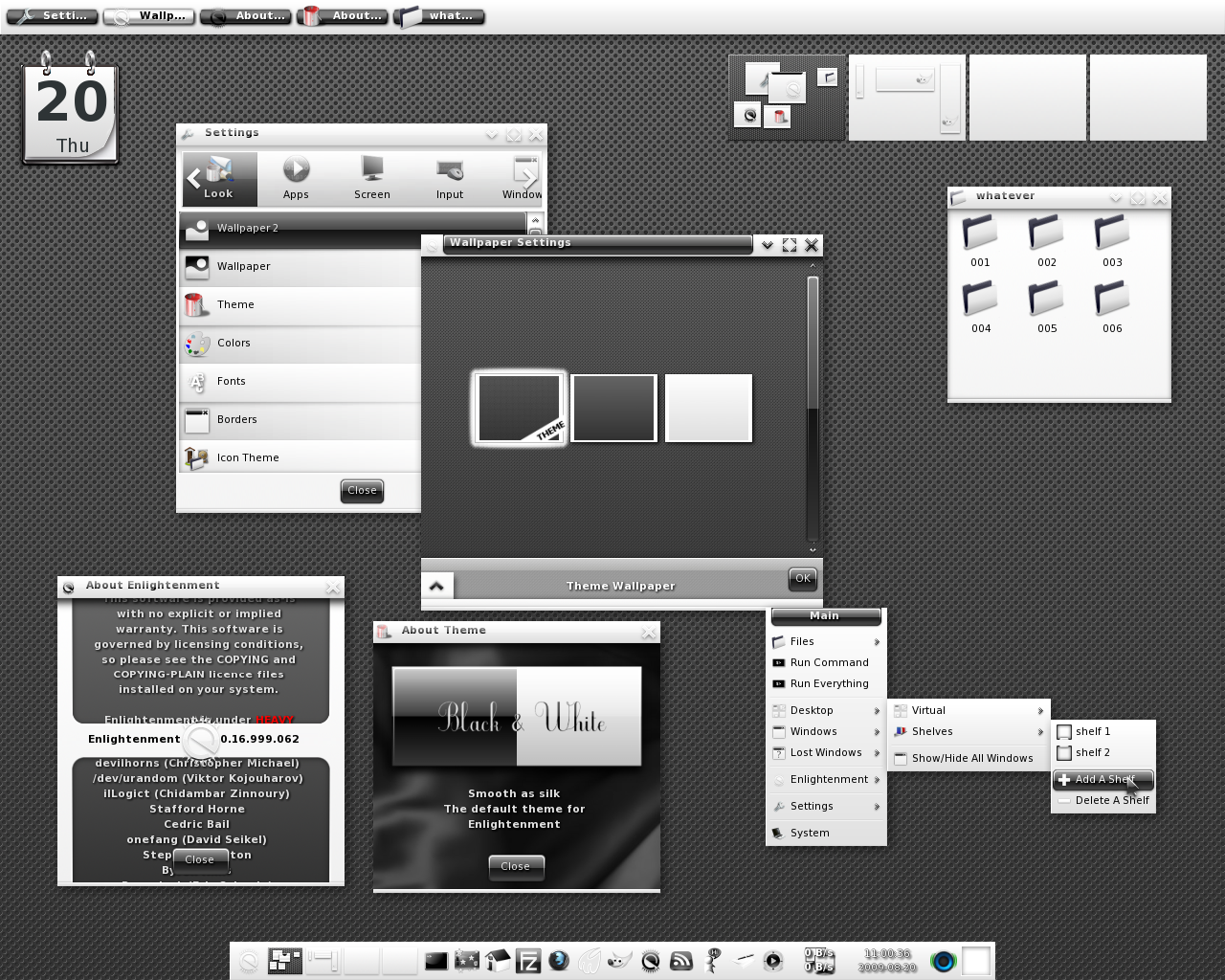
When Enlightenment was first released in the late 90's, it aimed to provide certain features such as setting the desktop wallpaper which until then were managed by 3rd party tools. Enlightenment was also the first window manager to introduce X Window System (X11) themes. These were pre-packaged files containing image, layout and animation data which could be installed quickly and easily, changing the overall look and feel. Today, themes for Enlightenment are available as “Edje” (.edj) files. These are used 'live' in that they aren't unpacked: only data that's actually needed from Edje files is accessed and loaded into memory meaning Enlightenment can handle even very large theme files.
Enlightenment offers so many options that not all features work as well as they could. If you find an area that requires improvement use the Contact page to get in touch.
The Enlightenment Philosophy
The underlying philosophy behind Enlightenment is that users should be given as much control as possible. There is often a trade-off in maintainability by programmers, current and future development, as well as the time available to do work. Developers are encouraged to introduce new features which 'just work' without additional options rather than delay release through constant fine tuning. While configuration is important Enlightenment strives to be accessible to both normal and power users.
Efficiency
Enlightenment is designed for efficiency, without sacrificing looks or functionality. The theme files are binary blobs but can be dissected to reveal tools such as edje_decc. The same holds true for configuration (.cfg) files that are actually eet archives with serialized data structures.
Emphasis is placed on runtime speed and efficiency over forcing users to edit the configuration. Most Enlightenment options can easily be configured through a GUI although there are also tools for importing and editing text files for dedicated programmers.
Enlightenment also has advanced error detection routines. When problems are detected, users are offered the choice either to debug or to restart from where they left off without losing any data. If you've installed *gdb* and activated debug options, Enlightenment also saves a crash log file to ~/.e-crashdump.txt.
Enlightenment is also designed to run on a variety of platforms from budget smartphones to multi-core servers with two screens. The development process is designed to accommodate older and slower machines as well as the most recent. For this reason, compositing in Enlightenment is still very efficient even without a GPU.
A quick comparison of memory usage between major desktops on Linux shows Enlightenment at the bottom of the footprint. Keep in mind that it is also a full compositing desktop, thus adding a large extra footprint just for that. The below is the memory usage above a basic empty Xorg session (which would be a base footprint to get anything displayed that every environment needs) (measured on Arch Linux on 27/12/2021). All environments are freshly logged in on a freshly booted VM, with their default configuration with the user's home directory opened up in the native file manager and one native terminal emulator window opened up.
E16
E16 is predecessor of the current E25 Enlightenment Window Manager, which is rather complete rewrite than incremental update of E16. Although most of the current development focus goes to E25, E16 is still under independent active development and some users prefer it to E25. In this sense E16 will keep its name while incrementing the versions from 1.0.0 unlike the mainstream Enlightenment manager, which is likely going to increment its E-suffix number. This page should summarize the links related to E16.
E17
In 2000, the development of the Enlightenment Foundation Libraries started to create a toolkit for writing applications that interoperate with Enlightenment, as well as other X window managers, too. As the EFL was built up, Enlightenment was rewritten to utilize the EFL, and in 2012 version 0.17.0 was released. As this version was completely rewritten to use the EFL, it is incompatible with E16
E25 is the current version of Enlightenment Window Manage.
Notable features
EFL-based scalable graphics,animated themes,highly modular gadgets,device/profile-aware layouts and desktop-shell functionality in a very small footprint
Gallery
Screenshots